For Staffing & Recruiting Teams
Find companies hiring before the job post gets crowded.
Staffing agencies and recruiting teams win when they reach the hiring manager first. Signado tracks hiring keywords on LinkedIn, finds the person who wrote the post, scores fit against your ICP, and helps draft outreach that references the exact role or hiring need.
Start FreeSound familiar?
By the time a role hits job boards, every recruiter is already chasing the same company.
Your team wastes hours reading LinkedIn posts manually to find who is actually hiring.
Generic outreach sounds weak when the prospect already told the market exactly what they need.
You need companies with active hiring pain, not people casually liking hiring content.
Your week, before and after
Search job boards, then compete with every staffing firm that saw the same listing
Track keywords like 'hiring senior DevOps' or 'need a React contractor' and find the person who posted it
Message HR contacts with no proof they own the hiring need
Message the CTO, founder, recruiter, or hiring manager who wrote the post
Open with 'I saw you are growing' and hope it feels relevant
Open with the exact role, contract need, or hiring bottleneck they posted about
Check LinkedIn manually between client work
Review a daily warm-leads feed of hiring posts matched to your keywords
See it for yourself. Free to start, no credit card.
Start FreeHow it works for Staffing & Recruiting Teams
From ICP setup to an outreach message that references the LinkedIn post, comment, or company event.
Post authors for hiring keywords
Use Post authors when your keyword points to a direct hiring need: hiring, looking for a recruiter, contractor needed, senior engineer, fractional CFO, or similar language.
Same warm-leads flow
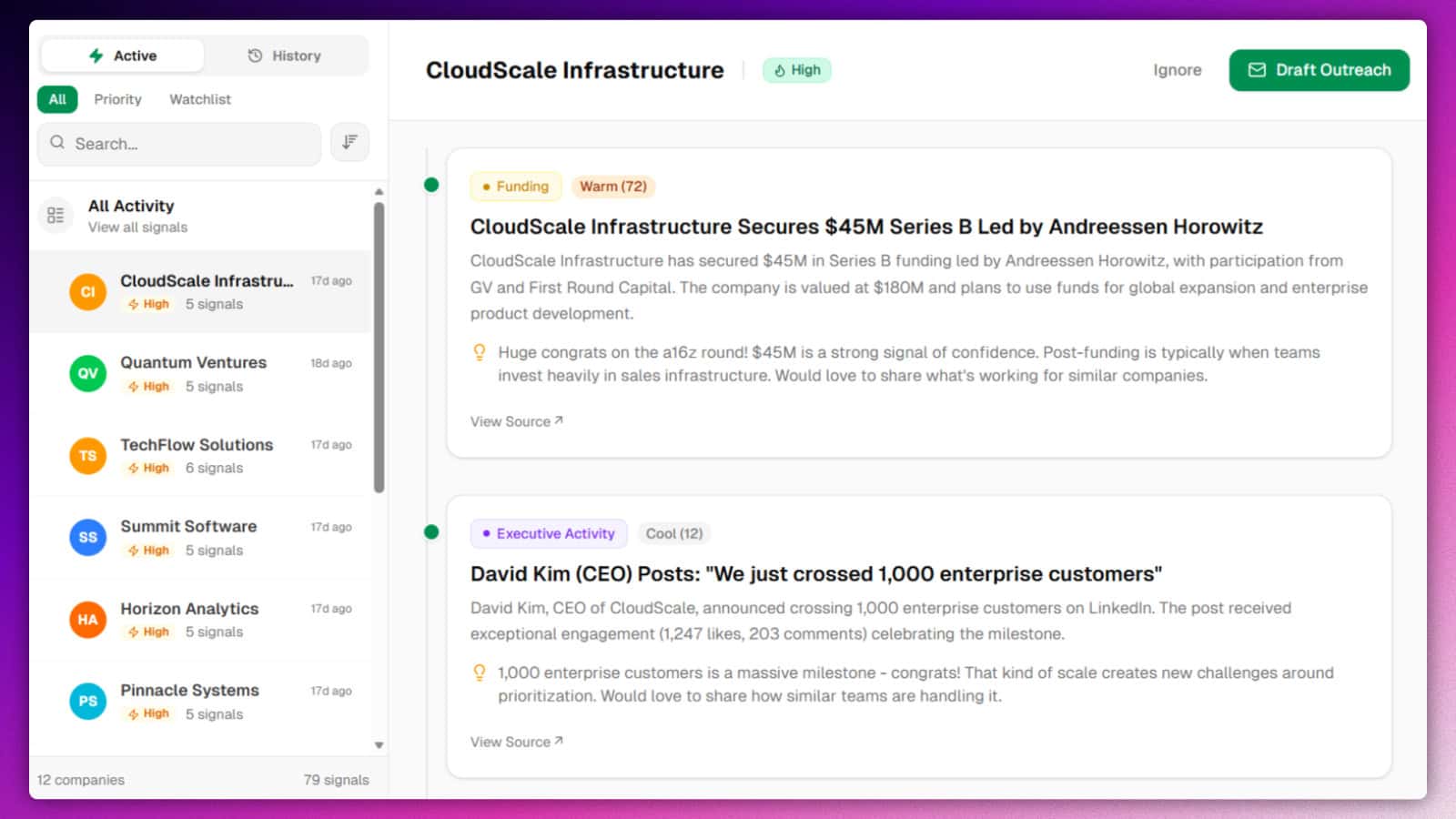
Hiring post authors land in the same feed as other warm leads, with profile enrichment, company data, ICP score, and the LinkedIn context that surfaced them.
Outreach that starts from their need
The AI draft can reference the role, skill set, contract length, or hiring blocker they mentioned. You review the message before sending.
Use engagers when you want the audience
Post authors are best for active hiring demand. Post engagers still work when you want recruiters, talent leaders, or founders engaging with hiring conversations.
Works with Instantly, HeyReach, and CSV export for any other tool. Smartlead and Lemlist on the roadmap.
Keyword discovery with Post authors
Add hiring keywords that match the roles you place. Choose Post authors for each keyword. Discovery checks matching LinkedIn posts and brings the person who wrote the post into your warm-leads feed. Review fit, find the email, and send a message that starts from the hiring need they already shared.
Also works: Post engagers
Use Post engagers for creator, competitor, or keyword conversations around hiring strategy, talent operations, salary benchmarks, or recruiting pain. This finds people interested in the topic, even when they did not write the hiring post themselves.
Questions from Staffing & Recruiting Teams
Should staffing teams use Post authors or Post engagers?
What keywords should I start with?
Does this replace job boards?
Can I use this for contract staffing?
What happens after a lead appears?
Find hiring managers while the need is fresh
Add one hiring keyword, choose Post authors, and review the companies posting about open roles. Free to start.
Start FreeNo credit card required. Discovery results can arrive within hours.