
TLDR: LinkedIn's Social Selling Index (SSI) gives your activity a score from 0 to 100, built from four parts of up to 25 points. LinkedIn now says it no longer reflects modern selling, and free accounts reportedly lost access in September 2026. Use the four parts as a checklist of habits.
Your LinkedIn SSI score rates how you use LinkedIn to sell, on a scale from 0 to 100. You check it at linkedin.com/sales/ssi, if your account still has access.
The catch is that LinkedIn itself has moved on. Its own SSI page now says the score no longer reflects how selling works today. So treat the number as a rough mirror of your habits. The four habits behind it still bring clients, and two of them matter most when you sell your own services.
What is the LinkedIn Social Selling Index (SSI) score?
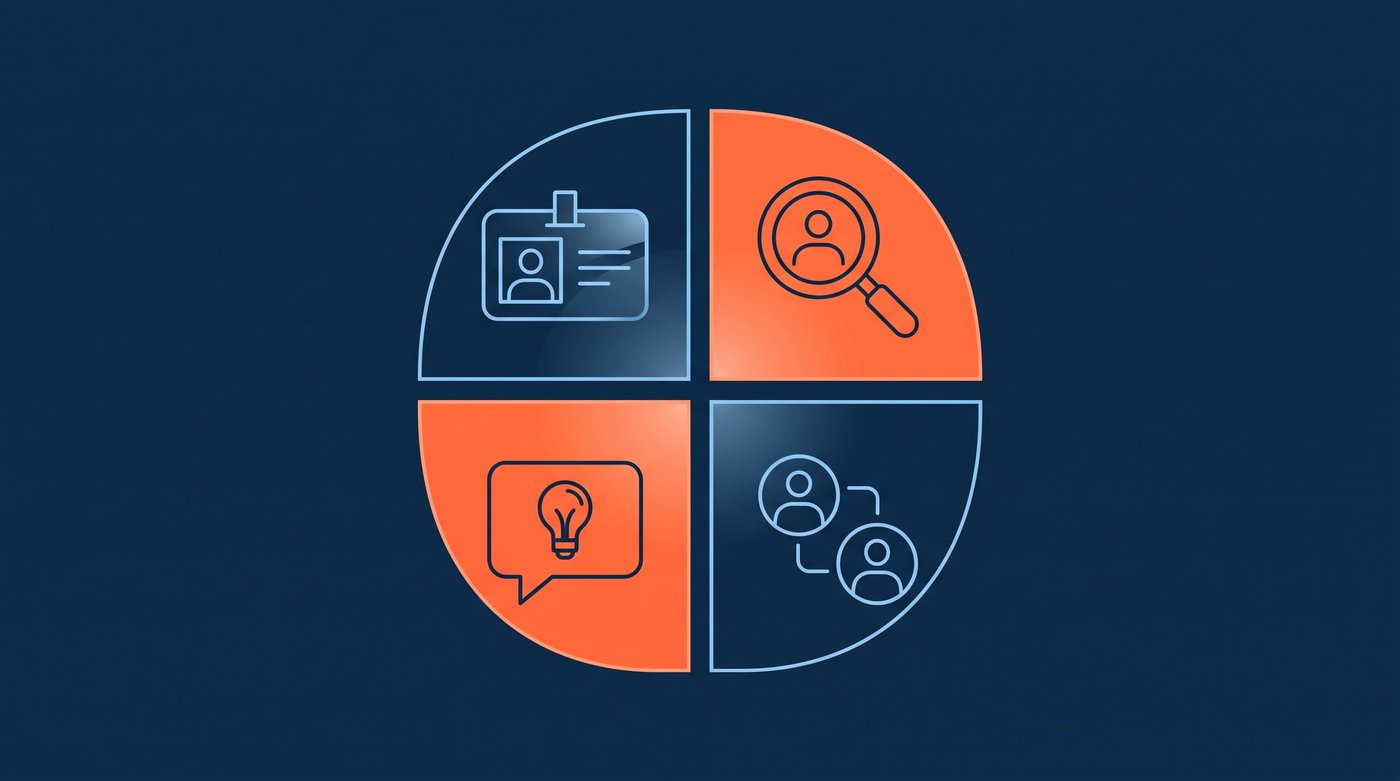
The LinkedIn SSI score is a rating of your account, out of 100. LinkedIn says it shows "how well social sellers establish a professional brand, find the right prospects, engage with key insights, and build relationships on LinkedIn." Think of those as four pillars, each worth up to 25 points. Your total is the sum of the four.
SSI stands for Social Selling Index. Social selling on LinkedIn means finding buyers there and starting real conversations with them. The company built the score by studying its "top performing sales professionals" and how they used the site. In August 2015, it opened the score to anyone who wanted it.
Next to the score, the dashboard shows how you "stack up against your industry peers and your network." LinkedIn's help center still files the score under Sales Navigator, its paid tool for searching and saving buyers.
Is the SSI going away?
LinkedIn hasn't named an end date, but it now tells sellers to "move beyond SSI scores." Its official SSI page is titled "From SSI to AI" and says the score "no longer accurately reflects the modern sales environment." Several sales trainers and tool makers also report that since September 2026, accounts without Sales Navigator can't see their score.
You can read the change on LinkedIn's SSI page.
That's a sharp turn. The same page says that for years the SSI was "the go-to metric for sales professionals on LinkedIn." In 2015, the company wrote that salespeople who excel at social selling are "51% more likely to hit quota."
Now it says a high SSI score "doesn't always represent the efficacy of a sales person or correlate with measurable sales outcomes." It adds that chasing one "can distract people from closing deals and building deep customer relationships."
The page got its new name in mid-2025, according to the Wayback Machine. It now points sellers to AI features in Sales Navigator, such as Lead Finder and Message Assist. It names no new score and no retirement date.
The access change comes from people who checked their own accounts, not from LinkedIn. Sales Navigator trainer Rafał Szymański reports that from September 8, 2026, accounts without it see this message instead of a score: "You do not have access to SSI. Your access to the Social Selling Index (SSI) has been discontinued."
LinkedScore says a banner warned members in late August: "SSI is a Sales Navigator feature. Get Sales Navigator to retain access to SSI." We haven't seen the message ourselves, and we found no official announcement.
If you've lost access, the habits behind the score still work. And if a guide says the score is free for every account, check its date.
How is the SSI calculated? The four pillars
The score adds four parts together, each worth up to 25 points: your brand, finding the right people, engaging with insights and building relationships. Each SSI pillar counts things you do, like completing your LinkedIn profile, searching, commenting and connecting. The formula isn't published, and neither is the weight of any single action.
| Part (official name) | What counts | The question for a founder |
|---|---|---|
| Establish your professional brand | Profile completeness, photos and media, cover photo, endorsements, posts and the followers they bring | Does your profile tell a buyer who you help? |
| Find the right people | People searches, profiles you view, people who view you, days active | Is your time on the site spent on buyers? |
| Engage with insights | Likes, comments and shares given and received, messages and replies, groups joined | Do you add a useful insight to your buyers' conversations? |
| Build relationships | Connections, connections at VP level and above, colleagues, share of requests accepted | Do decision makers accept you and stay in touch? |
The SSI help article and the admin guide list these inputs.
The SSI measures activity, not results. A search counts whether or not it finds anyone useful. The exceptions are your reply rate and the share of requests people accept. Those reward messages people want to answer.
How do I check my LinkedIn SSI score?
Sign in and open linkedin.com/sales/ssi. If your account has access, you'll see your SSI score out of 100, split into the four parts. You'll also see how you compare with your industry and your network. If a message says your access "has been discontinued", your account no longer gets the score.
The 2015 announcement that the SSI "is available to anyone" is still live and unchanged. But a trainer and a tool maker who tested accounts in September say only Sales Navigator users still see a normal score.
If those reports hold, you now need Sales Navigator to see the score. Its Core plan starts at $119.99 a month, and the plan page doesn't list the SSI under any plan. I wouldn't pay that to see a number. If you want it for search anyway, our guide shows how it compares with Premium.
What is a good SSI score?
LinkedIn doesn't publish a target or an average. The "70 or above" figure that many guides repeat comes from tool makers. What your score means depends on your rank. A high place in your industry and your network shows you do the four habits more than most people in your field.
Expandi calls 70 or above a good SSI score, and says itself that "LinkedIn publishes no official average." Postbeam puts the average user between 20 and 40, without a source. Hublead makes the better point: "a 55 that sits in the top 5% of your industry is a stronger position than a 70 in a sector where everyone posts daily."
Szymański writes: "My own score is 65 out of 100 against an industry average of 34, and it says nothing about how much I sell." The score shows how active you are. Your calendar shows whether it works.
How to improve your SSI score, one part at a time
Do all of this by hand. LinkedIn's User Agreement bans using "bots or other unauthorized automated methods" to "send or redirect messages" or to "comment on, like, share, or re-share posts."
Establish your professional brand
LinkedIn's advice for this part: "Complete your profile with the customer in mind. Become a thought-leader by publishing meaningful posts." For a founder, that means a profile a buyer understands at a glance.
- Rewrite your headline around who you help and with what. The company's social selling guide says to "call out what you do and how you do it."
- Fill every section: a current photo, a cover image, your About section and one Featured item, such as a case study.
- Ask two past clients for a recommendation, as that guide suggests. Endorsements from them count here too.
- Post once a week about a problem you solve and how you'd fix it.
Find the right people
The advice for this part: "Identify better prospects in less time using efficient search and research tools."
- Write down the two or three job titles that buy from you, and the company size. Search for those each week instead of random names.
- When a prospect fits, open their profile and read their last few posts. You'll learn what they care about before you write a word.
- Search posts, not only people. A post search shows who is talking about your problem this week. Our guide shows how to find people discussing problems.
Signado helps with this part and the next: how it finds those conversations.
Engage with insights
The advice for this part: "Discover and share conversation-worthy updates to create and grow relationships."
Start with comments. Pick one buyer's post a day and add a fact, a question or an insight from your own work. "Great post" adds nothing, to the buyer or to you.
The score also counts the messages you send and how often people reply. A message about something the prospect said gives them a reason to answer. A pitch doesn't. Join a group or two only if your buyers post there.
Build relationships
The advice for this part: "Strengthen your network by connecting and establishing trust with decision makers."
- Send connection requests to people you've already engaged with, and add a note about what they said. The social selling guide suggests "referencing a piece of content you both engaged with." Our connection note templates give you the wording.
- Aim at decision makers. Senior connections count on their own.
- Send fewer requests. The guide says: "Avoid sending too many connection requests or cold messages." The score also counts how many of your requests get accepted.
- Keep in touch with past clients. A comment on their news keeps you in mind for the next project or a referral.
Find the right people and engage with what they say
For a service founder, finding the right people and engaging with insights are the two parts that turn into clients. They're also the slowest by hand: you scroll a lot of feed to find one post worth answering. LinkedIn's own social selling guide suggests "social listening tools" that "identify prospects talking about their business or service."
Signado does that listening for you. It watches LinkedIn posts and comments for your keywords, the creators your buyers follow and your competitors' posts. It finds the conversations where your buyers talk, so you have something real to say. Each person arrives with their company, what they actually said and a score for how well they match your business.
Signado then drafts a first message from their own words. You read it, change what you like and reach out yourself, so every comment and message is your own activity. It never logs into your LinkedIn account.
The Lite plan costs $39 a month for 1,000 credits, and a new lead costs 3 credits. How it works shows the full flow.
Frequently asked questions
Does LinkedIn Premium bring back the SSI?
Not according to the people who tested it. LinkedScore reports the same lockout message on an account with Premium All-in-One active. Contentin.io lists Premium Career and Business as "No, per user reports." There's no official word either way, so check your own account before you pay for an upgrade.
Does Sales Navigator raise your SSI?
It can. LinkedIn's help center says your activity in the tool feeds the score, including people searches, saved leads and saved accounts. In early 2025, the SSI page even claimed "Sales Navigator can boost your SSI by 20% in six months." That line is gone from today's page.
Why did my SSI score drop?
The score follows what you did lately. A quiet month, fewer replies or a batch of ignored requests can each pull it down. Postbeam says the score uses your past 90 days of activity, but we found no official source that confirms that window. Look at which of the four parts fell, then fix that one habit.
How often does the SSI update?
LinkedIn's admin guide mentions "daily SSI updates." Its usage reports for team plans show each SSI figure with a "24-hour delay." Look once a week and watch the trend.
Leave five useful comments this week
Pick five posts this week where buyers talk about a problem you solve. Leave one comment on each that adds something they didn't know. Then send three of them a request to connect, each with a note about what they said. That covers two of the four parts, with or without a score.
If you'd rather have those conversations found for you, try Signado free for 7 days.
Get clients
Where agencies and consultants find clients, and how to start a conversation that gets a reply.
Start with the client guideLinkedIn Outreach Messages That Get Replies From Potential Clients
LinkedIn outreach messages potential clients reply to: templates for each situation, connection notes, LinkedIn's note limits and our own reply test.
Read articleFounder Led Sales: How to Win Clients Yourself
Build a founder led sales system using referrals, cold email, LinkedIn messages, useful posts, calls, and simple follow-up.
Read articleHow to Use LinkedIn Sales Navigator for Lead Generation
Use LinkedIn Sales Navigator to find the right accounts and people, save searches, read alerts, check fit, and decide who is worth contacting.
Read articleLand your next client with something relevant to say
Signado finds the people already talking about what you do on LinkedIn, and shows you what they actually said. You reach out with a reason they'll recognize.