How to Find Companies That Need Your Service Now: 15 Client-Buying Triggers
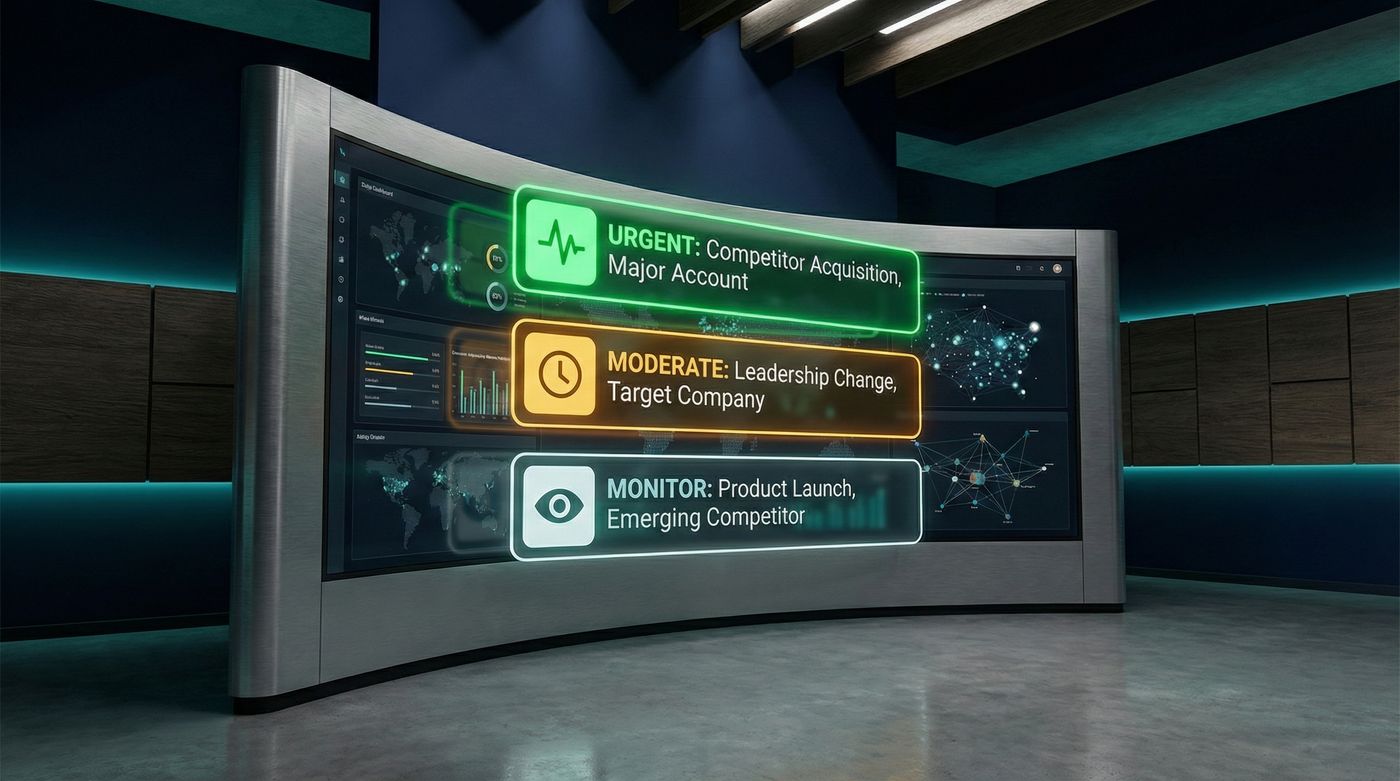
A sales trigger event gives you a reason to look at a company now. It does not prove that the company wants to buy. That is true of every trigger in B2B sales.
That difference matters. A funding announcement may create a new budget, or the money may already be assigned. A new leader may review outside help, or may keep the current plan. The event points you toward useful research. Your checks decide whether the company is worth contacting.
These examples of trigger events are for agency founders, consultants, and B2B service sellers. Each one covers what changed, what it may mean, what to verify, and the next useful move.
What is a sales trigger event?
A sales trigger event is a recent change or action that may create a need for your product or service. The event can happen inside a company, in its market, or in a conversation involving one of its people.
Trigger events sit inside the wider group of buying signals. A trigger is the event itself, such as a new executive joining. A buying signal can also be an action, such as a prospect asking for a recommendation or commenting on a problem they need to fix.
Neither one means "ready to buy." Treat a trigger as a prompt to check four things:
- Does the company match the clients you serve?
- Could the event create a problem your service solves?
- Can you find the person who owns that problem?
- Is there current evidence, in their own words if possible?
If you cannot connect the event to a clear need, do not force a sales pitch around it.
15 sales triggers worth checking
1. Someone asks for help or a recommendation
What changed: A prospect posts on LinkedIn asking for advice, a provider, or a way to solve a problem. What it may mean: The need is current and the person may be receptive to useful ideas. Verify: Check their role, company fit, and exact request. Next move: Leave a useful comment, then send a short message if direct outreach makes sense.
2. Someone describes a problem in a post or comment
What changed: A prospect explains a slow process, weak result, or tool problem. What it may mean: They feel the issue, even if they are not looking for outside help yet. Verify: Read the full discussion and check whether they own the problem. Next move: Comment with a useful answer. Skip the pitch if the post is only a general opinion.
3. A new executive or department head joins
What changed: A company hires a leader with control over an area you support. What it may mean: The new executive may review priorities, tools, and new vendors. Verify: Check the person's remit, earlier work, and any stated plan for the role. Next move: Write about the problem they now own, not the job announcement itself.
4. The company raises new funding
What changed: The company announces a funding round. What it may mean: It may spend on hiring, growth, systems, or delivery. Verify: Read what the company says the money is for. A large round outside your market is still a poor lead. Next move: Tie your service to a stated plan, or wait until another event makes the need clearer.
5. The company starts a hiring push
What changed: Several related roles appear within a short period. What it may mean: The company is building a new function or lacks capacity in one. Verify: Look at the role details, reporting lines, and whether the company wants employees or outside help. Next move: Contact the person building the function with one clear idea that helps now.
6. A new product or service launches
What changed: The company releases a new offer. What it may mean: It may need help with launch support, demand, onboarding, operations, analytics, or customer delivery. Verify: Find the launch goal and the team responsible for it. Next move: Point to one gap you can see. Do not send a generic congratulations note.
7. The company enters a new market
What changed: It opens an office, targets a new country, or moves into a new customer segment. What it may mean: Existing messages, processes, partners, or systems may not fit the new market. Verify: Check whether the move is active and whether local resources already exist. Next move: Share something specific to the market they are entering.
8. A merger or acquisition is announced
What changed: Two companies begin combining people, tools, and processes. What it may mean: The integration can create work around systems, positioning, data, change, or customer handoffs. Verify: Check the expected structure and who leads the integration. Next move: Contact the owner of one relevant problem. Avoid vague messages about "synergy."
9. The company restructures or cuts roles
What changed: A team is reduced or reorganized. What it may mean: The remaining people may have less capacity, but spending may also be frozen. Verify: Look for a clear operational need and signs that outside help is possible. Next move: Be careful. Never use a person's job loss as an opener. Reach out only when you can offer practical help without exploiting the news.
10. A rule or compliance deadline changes
What changed: A new law, standard, or industry rule affects the company. What it may mean: It may need an audit, new process, staff training, technical work, or specialist advice. Verify: Confirm the rule applies and find the deadline. Next move: Explain the first useful step in plain terms. This is stronger than warning the company about a risk it already knows.
11. The company announces a partnership
What changed: It starts working with a new channel, platform, or strategic partner. What it may mean: The partnership may need integration work, joint marketing, training, or a new delivery process. Verify: Read what each side will do and when. Next move: Contact the person responsible for the part your service can support.
12. The company rebrands or launches a new website
What changed: Its message, identity, or main site changes. What it may mean: A larger repositioning may be under way, with follow-on work in content, demand, analytics, or client experience. Verify: Compare the old and new position and check who led the work. Next move: Mention one concrete follow-on issue. Do not critique the design just to create an opening.
13. An earnings report names a new priority
What changed: A public company states that it will grow, cut costs, enter a market, or improve a weak area. What it may mean: The stated priority can direct spending and management attention. Verify: Read the report or earnings-call transcript, not a headline alone. Next move: Connect your service to the named priority and the person who owns it.
14. The company invests in an industry event
What changed: It sponsors, speaks at, or takes a large stand at a conference. What it may mean: It is investing in a market, launch, or category. Verify: Check what it plans to present and who will attend. Next move: Offer useful context before the event or follow up on a point the speaker made.
15. A patent or research announcement shows a new direction
What changed: The company files a patent or publishes research tied to a new area. What it may mean: Product, technical, or market work may follow. Verify: Check how recent the work is and whether it connects to a real company priority. Next move: Watch for a launch, hire, or executive comment before contacting them. This event is often too early on its own.
How to rank sales triggers before you act
Use a simple four-part check instead of a score that looks precise but hides weak research.
| Check | Question | Skip when |
|---|---|---|
| Company fit | Is this a company you can help well? | It falls outside your market or service range |
| Need | Did the event create a problem you solve? | The connection depends on guesswork |
| Person | Can you name the prospect who owns the issue? | You only have a company name |
| Evidence | Do you have a current source and useful detail? | The item is old, copied, or unclear |
A direct request for help from the right prospect can be stronger than a large funding round. The first gives you their words and a clear problem. The second gives you a company event that still needs research. Neither event creates a sales opportunity on its own.
This is also where the difference between trigger events and intent data helps. Intent data can show that an account may be researching a topic. A trigger event shows the change you can inspect. The intent data comparison explains where each source fits.
How to track sales trigger events
Start with sources you can check yourself:
- LinkedIn posts and comments for requests, complaints, launches, and leadership news
- Company pages and press releases for funding, partnerships, and expansion
- Job boards for hiring patterns
- A Google Alert for each named company or topic
- Investor pages, earnings calls, and SEC filings for public companies
Set up Google Alerts only for events tied to services you sell. LinkedIn Sales Navigator can also alert you to job and company changes across target accounts. More alerts do not create more useful leads. A short list you review each week is better than a crowded feed you stop reading.
A contact database or sales intelligence tool can help you find the right person after an event. It still does not tell you whether the event creates a real need. The Apollo comparison covers the difference between filtering a contact directory and finding current context.
Signado handles two parts of this work, with a clear boundary. Discovery watches LinkedIn posts and comments from the keywords, creators, and competitors you choose. It then checks the person and company against your client profile. For a lead worth more research, Deep Dive checks seven company events on demand, across up to 12 months of history. Deep Dive is a one-time check. It does not keep monitoring the company after it runs.
Turn the event into a useful next move
Before you write, keep the source open. Use what the person or company actually said. That is how you personalize outreach without turning the event into a generic first line. Then choose the smallest sensible action:
- Comment when the person is discussing the problem and a useful answer can stand on its own.
- Send a direct message when the person owns the problem and the source gives you a clear reason to write.
- Research further when the company event is strong but the buyer and need are still unclear.
- Skip when the company is a poor fit or the event does not connect to your service.
The trigger should make the message more relevant, not more dramatic. State what you noticed, explain why it may matter, and offer one useful idea. If the message would still work without the trigger, your research has not changed it enough. This is what separates useful outreach from cold outreach with a news item pasted on top.
Want a daily list of people already talking about problems you solve? See how Signado finds and qualifies warm leads from LinkedIn conversations.
Find current buying signals
Use LinkedIn conversations and company changes to see who is worth checking now.
Start with the B2B buying signals guideSignal-Based Selling for Agencies and Consultants
A practical signal-based selling guide for agencies and consultants. Find useful buying signals, check fit, choose the next move, and improve your sources.
Read articleSales Intelligence Tools for Agencies and Consultants
Compare ten sales intelligence tools for agencies and consultants. See what each does, current pricing, when to choose it, and its main limit.
Read articleThe Apollo List Playbook: How to Turn Cold Contacts into Booked Meetings with Buying Signals
The playbook to turn your existing Apollo list into booked meetings using buying signals. Scoring model, signal templates, and the workflow step-by-step.
Read articleLand your next client with something relevant to say
Signado finds the people already talking about what you do on LinkedIn, and shows you what they actually said. You reach out with a reason they'll recognize.