
TLDR: To get clients from LinkedIn, define a narrow buyer, find the conversations where that buyer discusses problems you solve, qualify the person and company, then reach out about what they actually said. Use content for recognition, search for fit, and comments for timely context.
To get clients on LinkedIn, start with a conversation, not a contact list. Find people posting about a problem you solve or commenting where your buyers gather. Check whether they fit. Then reach out with something relevant to say.
That approach works for agencies, consultants, and B2B service businesses because it solves the two hard parts together: who might need your work, and why contacting them now makes sense. A static profile answers only the first question.
Start with a client profile you can recognize
You can't find ideal clients on LinkedIn if your definition is "any company that could use our service." Write an ideal customer profile you can check in under a minute:
- The service you sell and the problem it fixes
- The roles that feel the problem or approve the work
- The industries and company sizes you can serve well
- The situations that make the work timely
- Clear exclusions, such as current clients, competitors, or poor-fit regions
Keep the profile narrow enough to guide a decision. "Founder at a B2B company" is weak. "Founder of a 10 to 50 person B2B software company hiring its first marketing lead" gives you a role, company stage, and possible reason to talk.
Your LinkedIn profile should support the same decision. A potential client who clicks your name needs to understand who you help, what outcome you produce, and why your experience is credible. Optimize your LinkedIn profile around those answers. Specific case results and client recommendations matter more than a clever headline.
Where can you find clients on LinkedIn?
You can use LinkedIn in four practical ways to find potential clients. Together, they cover fit, recognition, timing, and the language your target audience uses.
| Path | What it reveals | Best use |
|---|---|---|
| LinkedIn search or LinkedIn Sales Navigator | People who match your client profile | Build a focused market list |
| Your own posts and comments | People who recognize your expertise | Create inbound conversations |
| Topic and creator conversations | People discussing problems you solve | Find timely context |
| Competitor posts | People evaluating an adjacent problem or approach | Find active market conversations |
Search is useful for fit. LinkedIn content builds familiarity and helps generate leads over time. Conversations reveal timing and language. The mistake is expecting one path to do all three jobs.
Consultant Irina Maltseva reported that roughly 80% of her 2024 clients contacted her through LinkedIn after she built a focused profile, posted useful work, and contributed to relevant conversations. Her process documented by Buffer is a useful reminder that client acquisition can combine inbound recognition with direct relationship building.
How do you get clients on LinkedIn from active conversations?
Look for plain-language evidence that the person is dealing with a problem you understand. Useful LinkedIn posts and comments often contain a request for recommendations, a failed attempt, a tool comparison, a hiring need, or a question about how others handle the work. These pain points give a LinkedIn lead context that search filters cannot provide.
Start with topics your clients discuss before they name a service. A web agency might monitor posts about slow launches, technical debt, or conversion problems. An operations consultant might follow conversations about messy handoffs or reporting that takes days to assemble.
Post authors can be strong potential clients when the post itself describes a need. Comments on LinkedIn are useful when a creator's post attracts the right audience and the commenter adds specific context. In both cases, save the original words. They are the reason the person became relevant.
This is the difference between a cold name and a warm lead. The person hasn't necessarily asked to buy. They have given you context you can use to decide whether a conversation makes sense.
Use competitor posts as a client-finding channel
Competitor posts deserve a major place in this method because competitors and adjacent providers have already gathered part of your market in one visible conversation. The goal is not to contact everyone who engages. The goal is to identify the few people who reveal a problem, question, or decision that your service can help with.
Choose posts that attract buyers
A large audience does not guarantee a useful comment section. Start with 5 to 10 competitors, consultants, creators, or integration partners whose audience overlaps with your ideal clients. Then inspect recent posts by topic.
| Post type | Likely value | What to inspect |
|---|---|---|
| Customer story with a specific problem | High | Similar companies describing the same issue |
| Product or service comparison | High | Questions about tradeoffs, cost, or implementation |
| Detailed opinion from a practitioner | Mixed | Comments that add a real problem or counterpoint |
| Generic announcement | Low | Praise without a business need |
| Viral industry take | Noisy | High activity with weak fit |
Specific posts filter the audience for you. A broad post about growth may attract anyone. A post about fixing attribution after a CRM migration attracts a smaller group with a recognizable problem.
Read comments before reactions
Comments carry words. Reactions usually do not. Start with people who ask a question, describe what broke, compare approaches, or explain a constraint.
Keep a simple record:
| Field | Why it matters |
|---|---|
| Person and profile URL | Preserves identity and prevents duplicates |
| Role and company | Lets you check client fit |
| Comment and source post | Preserves the full conversation |
| Problem or topic | Explains why the person is relevant |
| Next action | Separates contact, nurture, and skip |
The source post matters as much as the comment. "We tried this and it failed" means little without knowing what "this" refers to.
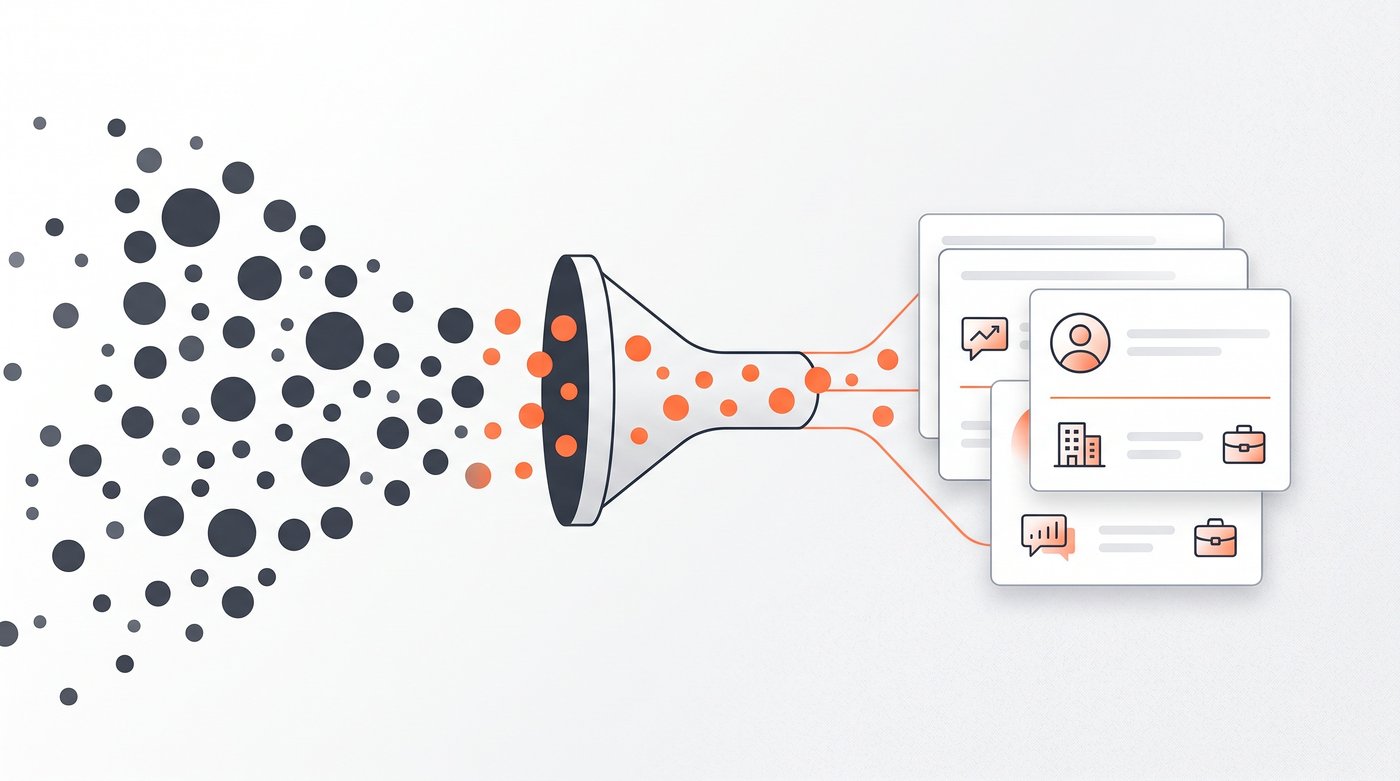
Qualify before you enrich or message
Check role, company, location, service fit, and the strength of the comment before you look for an email or draft anything. Remove employees of the source company, other vendors pitching in the comments, job seekers, and generic praise.
A practical keep rule is simple: the person fits your client profile, the context is recent enough to matter, and their words give you a natural question or useful observation. If one of those is missing, save them for later or skip them.
Signado can handle this review path across keywords, creators, and competitors. It keeps the post or comment attached, scores fit, and puts the strongest people into a warm-lead feed. The point is still judgment. Automation should reduce checking and copying, not remove the decision about whom to contact.
Turn context into outreach
Good LinkedIn outreach proves you paid attention without sounding as if you have been watching the person. Mention the topic or their stated problem. Add one useful thought. Ask a question that is easy to answer. That applies to a connection request, a direct message, or email.
Weak:
I saw you commented on our competitor's post. Do you need help with this?
Stronger:
You mentioned that attribution broke after the HubSpot migration. Was the issue in lifecycle stages, source mapping, or the handoff into reporting?
The stronger message gives the person a reason to reply even if they never buy. It also avoids overclaiming. A comment is context, not consent, and a reaction is not proof of purchase intent.
If email is the better contact route, keep the same principle. The channel can change without losing the conversation. The cold email subject line and opener should still connect to the relevant post, comment, or company situation.
Build a weekly LinkedIn client routine
Consistency matters more than a burst of activity followed by silence. You don't need to become a personal branding creator to stay active on LinkedIn. A small weekly routine is enough to test whether the platform fits your service:
- Review your saved searches and active topic conversations.
- Inspect recent posts from a short list of creators and competitors.
- Save only people with clear fit and useful context.
- Comment where you can add a genuine practitioner view.
- Send a small number of specific messages.
- Record replies, calls, and client fit by source.
After a few cycles, patterns appear. You will learn which topics attract buyers, which sources produce peers instead, and which outreach questions start useful conversations. That evidence is more valuable than copying somebody else's daily quota.
Avoid the mistakes that make LinkedIn feel cold
The first mistake is broad targeting. A vague client profile produces vague messages.
The second is treating activity as intent. Likes, profile views, and follows can be useful clues, but none of them proves a person wants a service.
The third is losing the original context. Once the post and comment disappear from your record, the message becomes generic again.
The fourth is automating account activity before the source works. LinkedIn's User Agreement restricts unauthorized bots, automated methods, and copying of the service. Protect the account tied to your professional reputation. Manual review is enough to prove the method before you add software.
Your next client starts with one relevant conversation
Pick one client profile, three topics, and five sources your buyers already follow. Spend a week collecting conversations, not names. Qualify each person before contact, then write from what they actually said. That is enough to test whether LinkedIn can help you find new clients without turning it into a full-time job.
If checking those sources manually becomes the bottleneck, see how Signado finds clients from LinkedIn conversations. The primary CTA below opens a free Signado account so you can turn the same process into a repeatable workflow.
Land your next client with something relevant to say
Signado finds the people already talking about what you do on LinkedIn, and shows you what they actually said. You reach out with a reason they'll recognize.